
Engage UI Release Version 1.35.0
Release Date: 03-02-2026
Share of Voice now visible across playlists
Share of Voice is now fully reflected in the Engage CMS, making it easier to understand how playlists contribute to screen time.
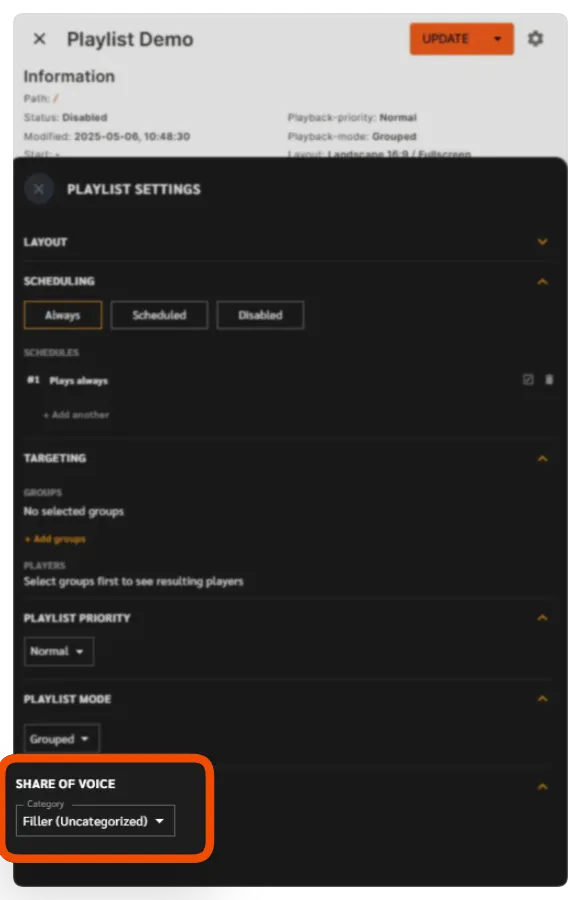
In Playlist settings, you’ll find a new Share of Voice dropdown.
This list all Share of Voice categories assigned to the workspace, along with Uncategorised content when fillers are available.
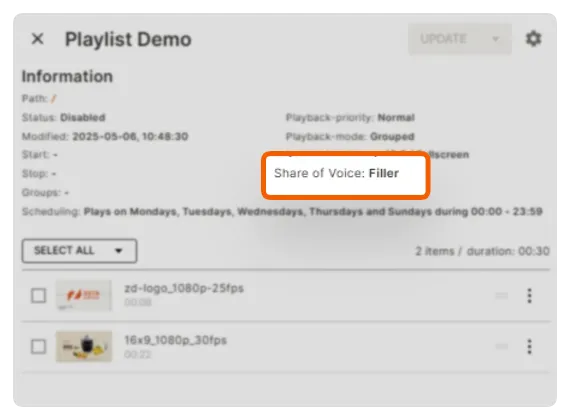
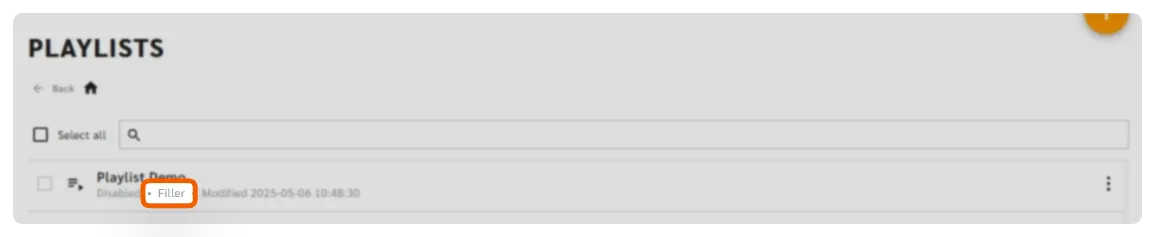
You’ll also see Share of Voice information directly:
- In the Playlist Sidekick, as part of the playlist details
- In the Playlist overview, displayed in a subtle grey for quick reference
Why it matters
You get clear visibility into how playlists are categorised—helping you stay aligned with your Share of Voice strategy without extra clicks.
Important notes
- Share of Voice requires player software version 4.3.0 or newer to function correctly.
- Share of Voice is a paid add-on and is not included as a standard feature.
Notifications repositioned for a cleaner workspace
The notifications bar has been moved from the top-right to the top-centre of the interface.

Why it matters
Notifications are now easier to notice without blocking actions or getting in the way while you work.